What Is Amateur Radio?
Amateur radio — also known as “ham radio” — is a licensed, non-commercial activity where individuals communicate using radio frequencies for experimentation, learning, and emergency support. Millions of licensed amateur radio operators around the world connect with each other, test equipment, build antennas, and help provide communication during disasters when other systems fail.
This hobby is closely related to electronics, radio wave theory, digital communication, and even satellite operations. It offers a unique mix of technical learning, global communication, and public service. What Do Amateur Radio Operators Do?
Communicate on HF, VHF, and UHF bands
Make long-distance contacts (DX) across the world
Use digital modes like FT8, PSK31, and APRS
Design, build, and test antennas
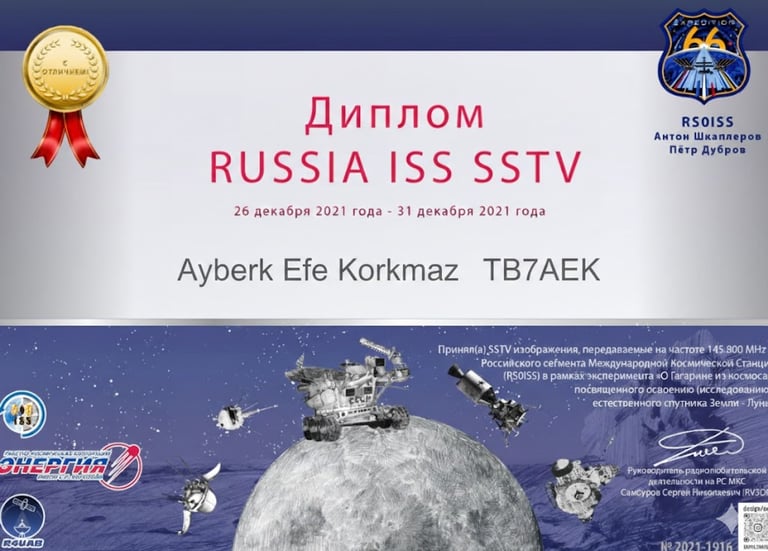
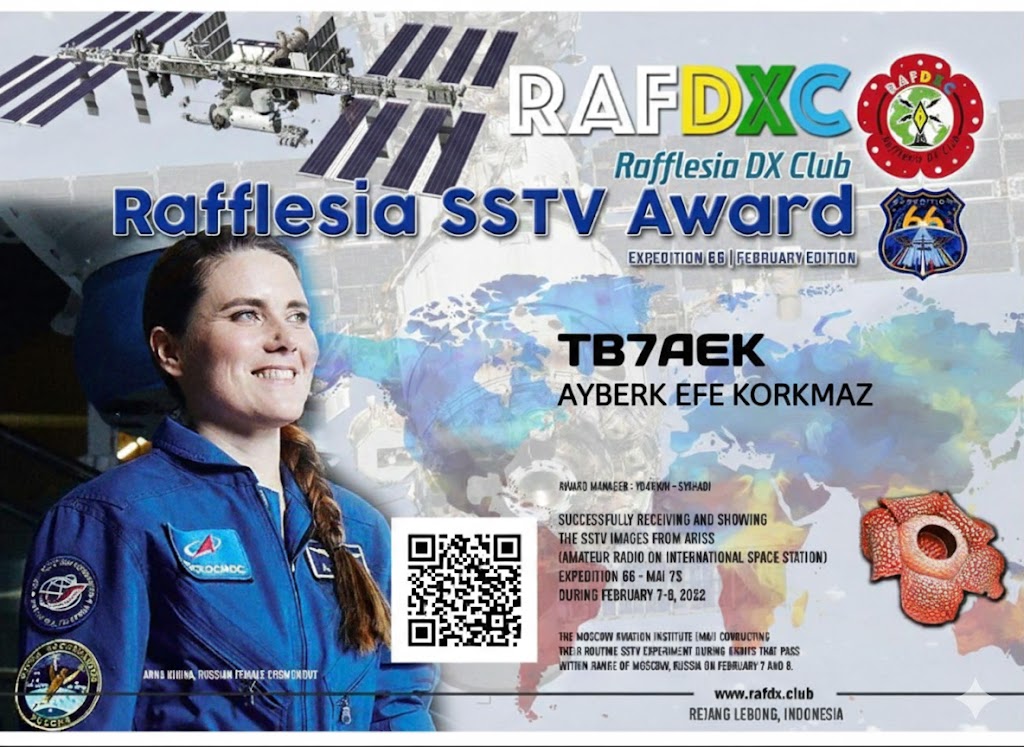
Communicate via satellites and the ISS
Support emergency and disaster communication
Join contests, nets, and club activities Why Become a Ham?
Amateur radio is more than just a hobby — it's a platform to learn, explore, and contribute. Setting up your own radio station, experimenting with antennas, or reaching out to the other side of the world with just a few watts of power is a truly rewarding experience. A Bit About Me
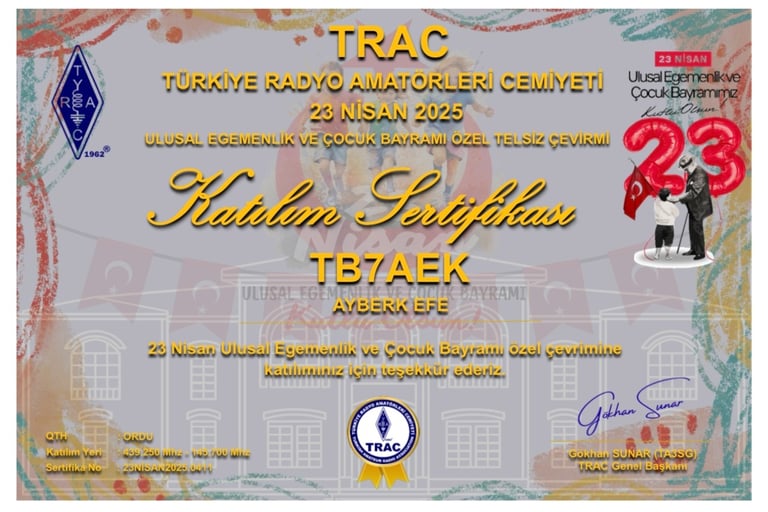
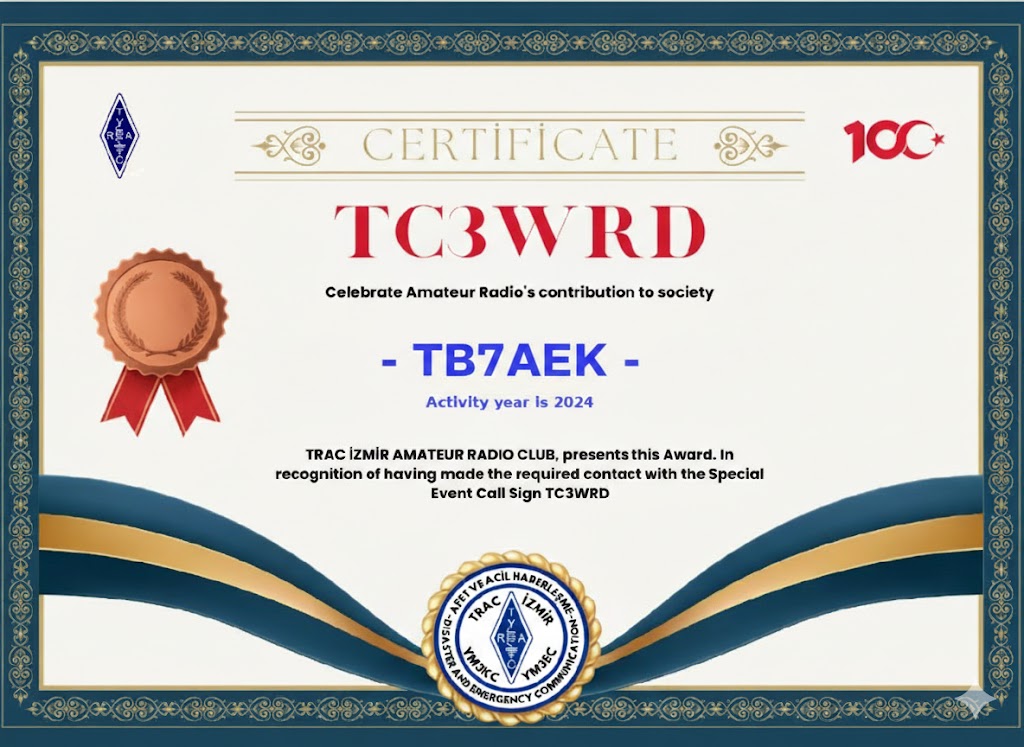
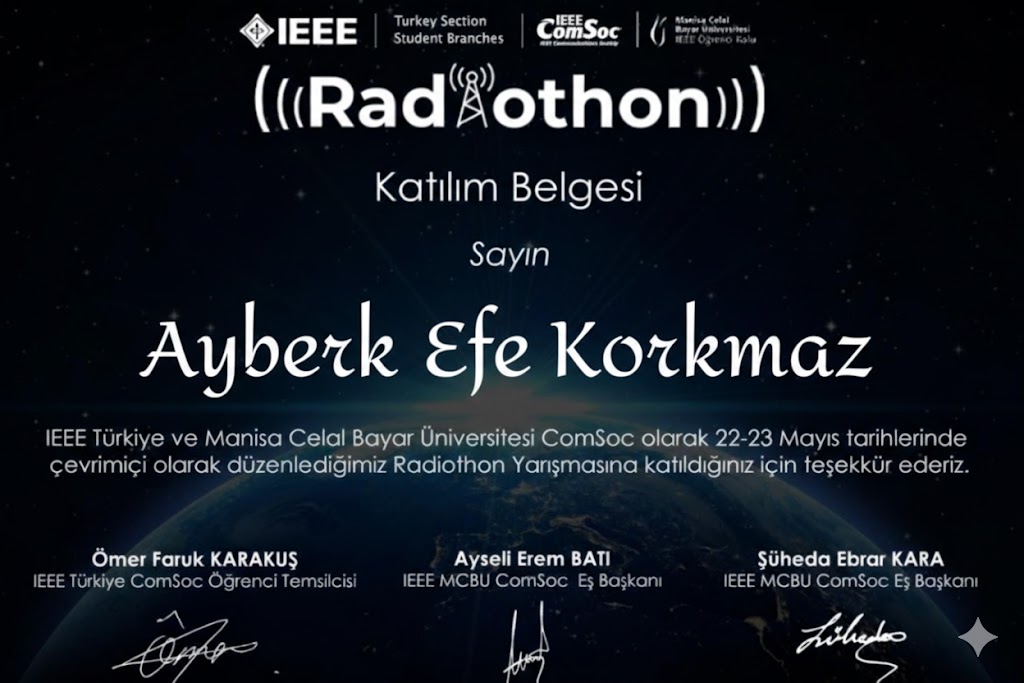
My name is Ayberk Efe Korkmaz, callsign TB7AEK. I'm an Electrical and Electronics Engineering student and a licensed amateur radio operator. I enjoy combining my technical interests with amateur radio and sharing what I learn along the way. Amateur Radio in Türkiye In Türkiye, amateur radio is supported and organized through associations like TRAC (Türkiye Radyo Amatörleri Cemiyeti). Anyone interested can take a licensing exam and legally operate on amateur bands with a personal callsign.
Feel free to explore my website for more content, technical guides, and personal experiences in the world of amateur radio.73!
TB7AEK – Ayberk Efe Korkmaz


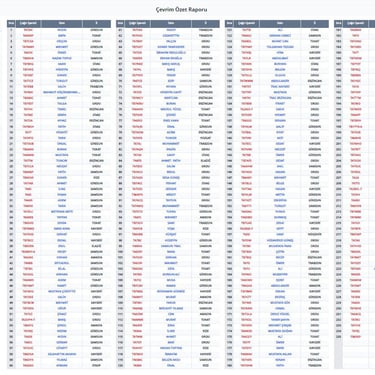
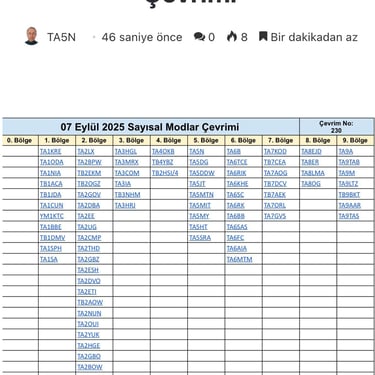
This is an example of an amateur radio net conversation and an explanation of basic terms. The net control station, TA7HBK, addresses all amateur stations and announces that the weekly net is starting, inviting stations that wish to participate to give their callsign and QTH in turn. The first operator, TA6RİK, checks in from Gölköy, greets all stations, and signs off with 73. The second operator, TA7GVS, reports in from the Ordu city center and also ends with 73. The net control station thanks TA6RİK and TA7GVS and announces that it is waiting for additional stations to check in. In this way, each operator speaks in turn while the net control station manages and organizes the communication. The net concludes after all stations have checked in.
Some basic amateur radio terms are also reflected in this conversation. A callsign is the licensed identification of an amateur radio operator. QTH refers to the location of the station or the transmitting site. A net is an organized radio communication session held at scheduled times. A QSO is a two-way radio contact or conversation. The code 73 is used as a sign-off meaning “best regards.” QRZ? means “Who is calling?” and is used when a station is being called. SWR, or Standing Wave Ratio, is a measure of antenna efficiency. APRS is the Automatic Packet Reporting System used for position and data reporting. DX refers to long-distance radio contacts, often between different countries or continents.

Follow us
🔧 How to Set Up a DMR Hotspot
What Is a DMR Hotspot?
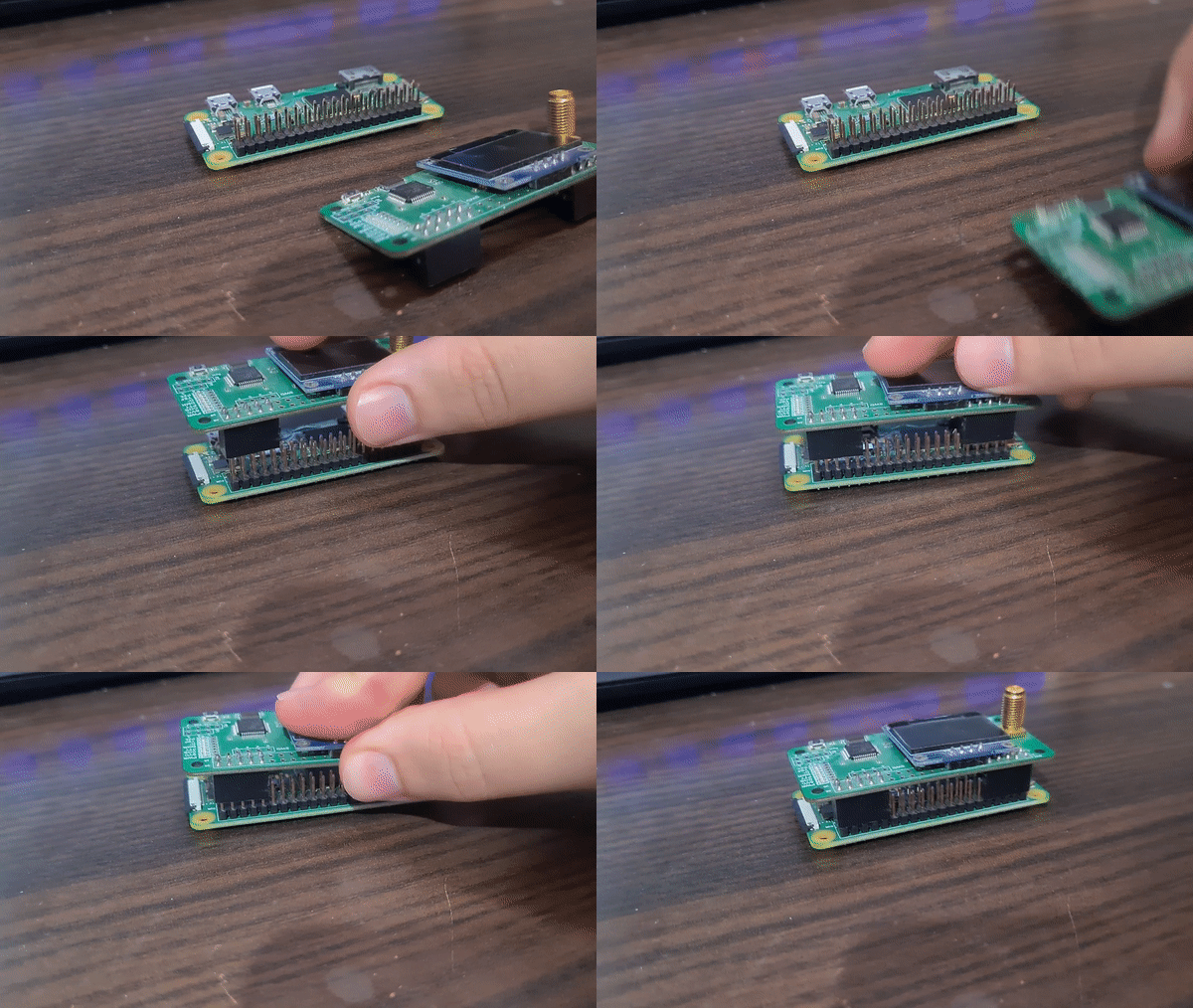
A DMR hotspot is a small digital device that allows a DMR-capable radio to connect to the internet and communicate over worldwide digital voice networks such as BrandMeister, TGIF, and DMR+. It eliminates the need for a local repeater by acting as a bridge between your radio and the internet. Using a low-power RF link, your handheld or mobile radio connects directly to the hotspot, which then routes your voice traffic through online DMR networks. This makes it possible to communicate globally from your home, vehicle, or any location with a stable internet connection.
To use a DMR hotspot, you need a DMR radio that supports digital voice operation, a valid DMR ID obtained from radioid.net, a compatible hotspot device based on MMDVM technology, and an internet connection via Wi-Fi or Ethernet. Pi-Star software is typically used to manage and configure the hotspot. Pi-Star runs on a Raspberry Pi and provides a web-based interface that allows the user to control network connections, frequencies, color codes, and other operating parameters.
The setup process starts by installing Pi-Star on a microSD card and inserting it into the Raspberry Pi used in the hotspot. After powering the device and connecting it to the network, the Pi-Star dashboard can be accessed through a web browser. From there, the user configures essential settings such as callsign, DMR ID, operating frequency, color code, time slot, modem type, and the desired DMR network master. These settings must match the configuration programmed into the radio to ensure proper communication.
Once the hotspot is configured, the radio is programmed with a channel that uses the same frequency, color code, and time slot as the hotspot. TalkGroups are then selected to determine which group of users you communicate with, ranging from local TalkGroups to worldwide or country-specific networks. Switching TalkGroups is done by transmitting on the appropriate TalkGroup ID or by using predefined channels in the radio.
DMR hotspots offer several advantages, including worldwide communication without relying on repeaters, clear and noise-free digital audio, full control through a simple web interface, and portability. Many hotspots can operate from a power bank, making them ideal for mobile or emergency use. For amateur radio operators who lack repeater coverage or want reliable digital access from anywhere, a DMR hotspot is a practical and powerful solution.


Region Map
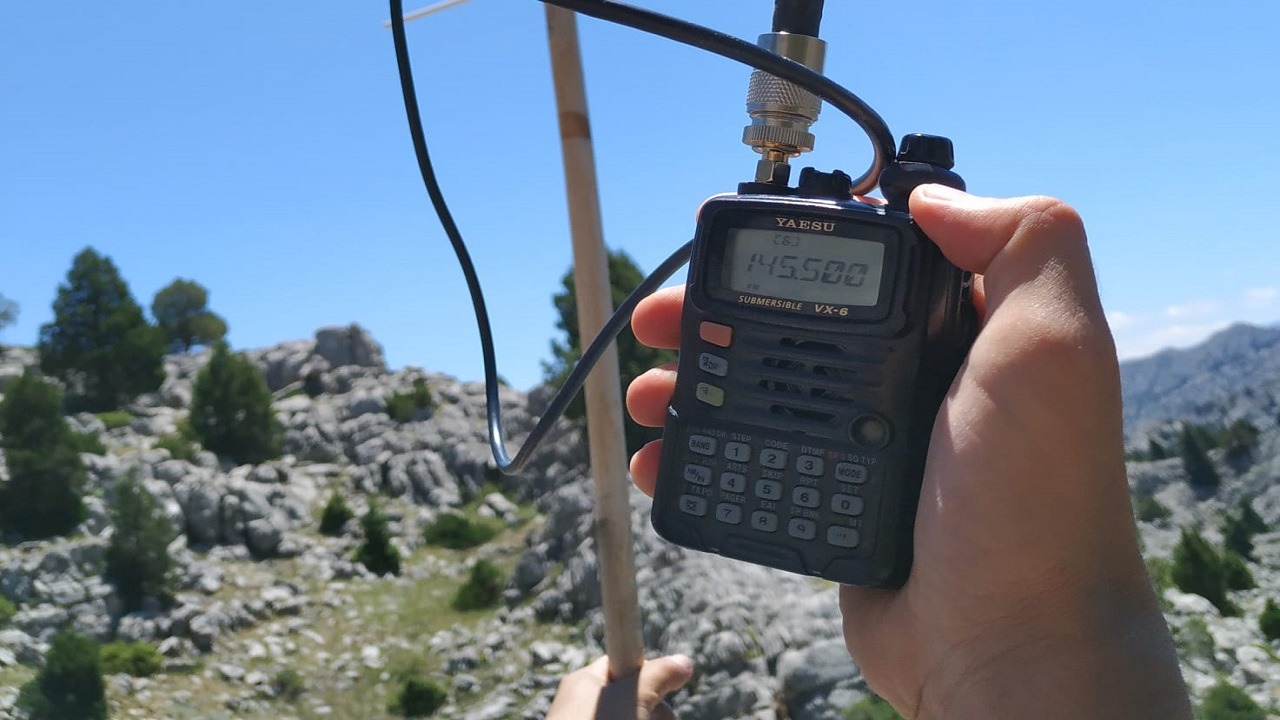
145.750/439.400
What is EchoLink?
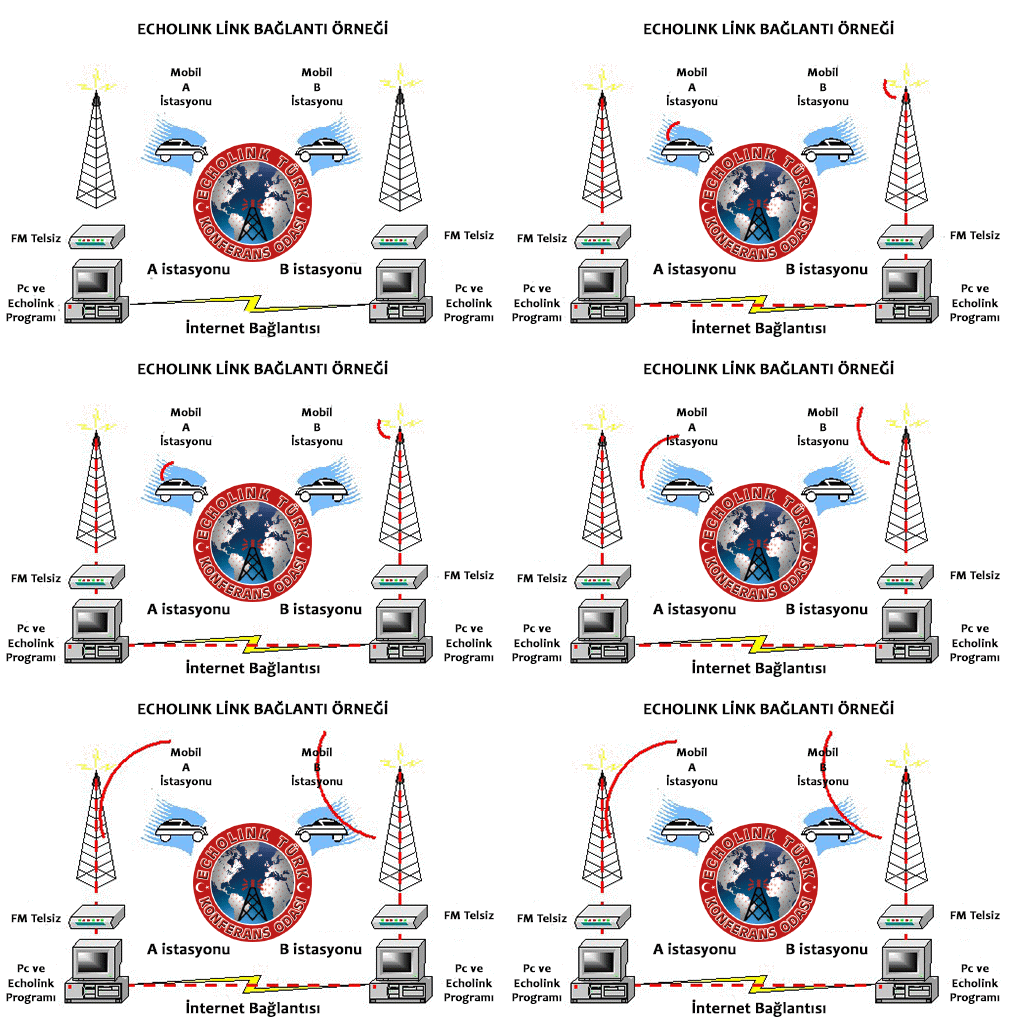
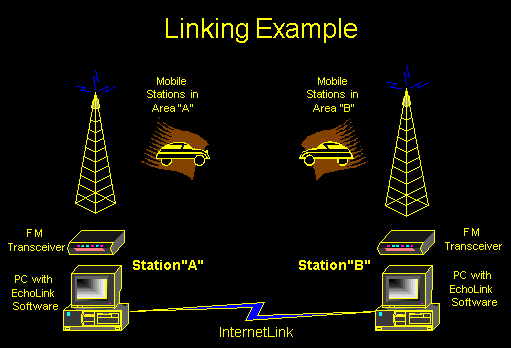
EchoLink is a system that allows licensed amateur radio operators to communicate with one another over the internet, using either a computer or smartphone (direct IP mode), or a traditional radio via a repeater or node (RF mode). It essentially bridges radio and the internet, enabling worldwide communication even when no repeaters are nearby.
How Does EchoLink Work?
EchoLink connects licensed ham operators in two main ways: Direct Mode, where you connect using a computer or smartphone app with no radio required, and RF Mode, where you use your radio to connect via a local EchoLink-enabled repeater or node. All connections go through the EchoLink server network, which allows real-time voice communication with other stations worldwide.
What Do You Need?
You need a valid amateur radio license (EchoLink verifies your call sign and license), the EchoLink software (available for Windows, iOS, and Android), and optionally a DTMF-capable radio if you want to use EchoLink through a repeater.
How to Use EchoLink (Direct Mode)
Step 1: Register and verify your account. Visit https://www.echolink.org, create an account with your call sign, upload a copy of your ham radio license (PDF or JPG), and wait for verification (usually takes a few hours). Step 2: Download the EchoLink software. Use the desktop client for Windows or the “EchoLink” mobile app for Android or iOS. Step 3: Log in and start talking. Open the app, log in with your call sign, browse or search for a station, repeater, or conference node, click "Connect," and begin your conversation.
How to Use EchoLink with a Radio (RF Mode)
To use EchoLink with a radio, find a local EchoLink-enabled repeater or node. You can search online or ask your local ham radio club. Tune your radio to the repeater’s frequency and use DTMF tones to dial a Node Number. For example, #123456 connects to that station. The "#" key is usually the "connect" command, though some systems may use "*" or others. Once connected, speak normally — your voice is transmitted over the internet to the remote station.
What Can You Do with EchoLink?
With EchoLink, you can talk to amateur radio operators around the world via the internet, join conference rooms with multiple stations, communicate even if you don’t have a local repeater, stay connected during emergencies, and use it while traveling using just a phone and Wi-Fi.
Example Talk Targets
You can connect to TG Conference Servers for large global chat rooms, national repeaters to access stations in other countries, or individual callsigns for one-on-one direct chats.
Advantages of EchoLink
EchoLink allows global communication via the internet. It works on smartphones, tablets, and PCs. It doesn’t require a local repeater in direct mode. It offers clear, high-quality digital audio and serves as a reliable backup communication method during emergencies.
Want to Try It?
If you have a ham license and want to try EchoLink, go to echolink.org, register and upload your license, download the app, and start talking to hams all over the world.
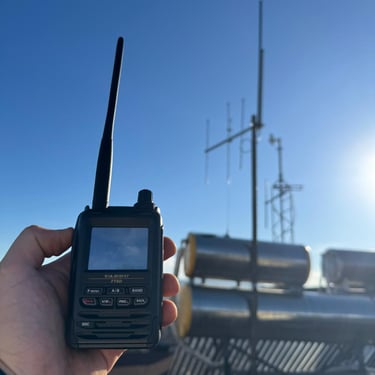
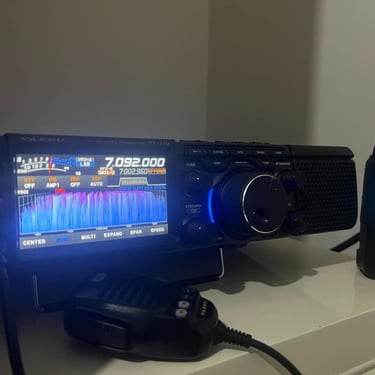
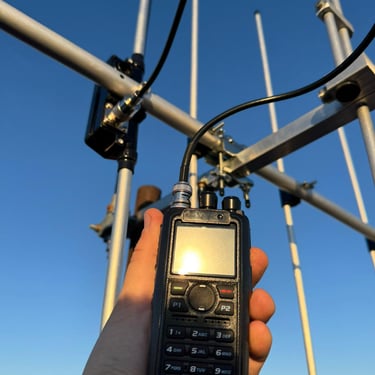
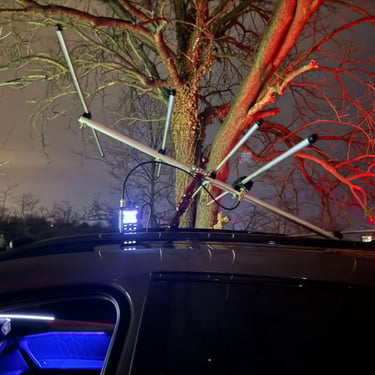
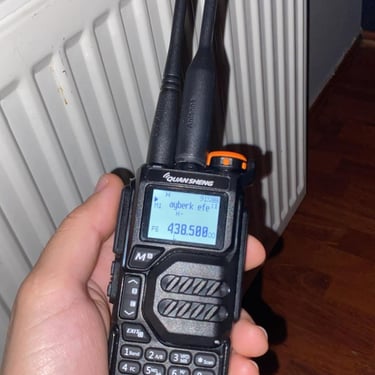
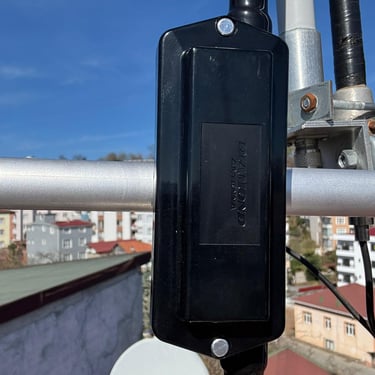
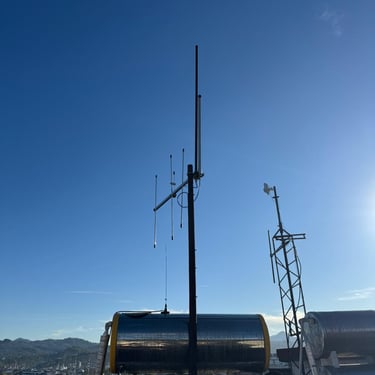
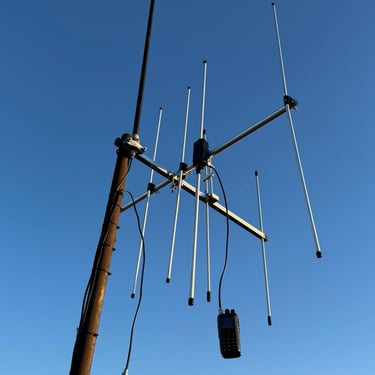
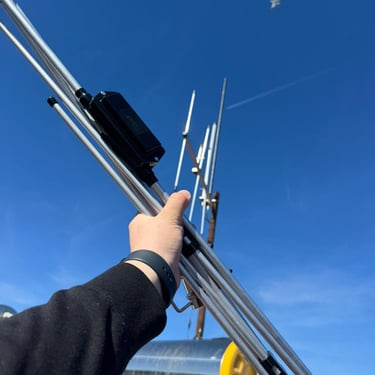
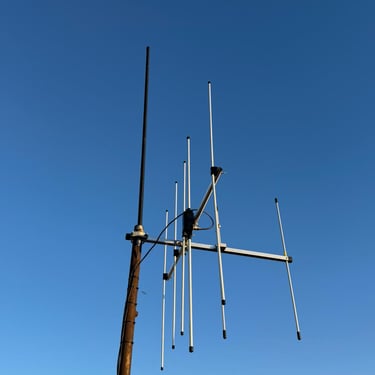
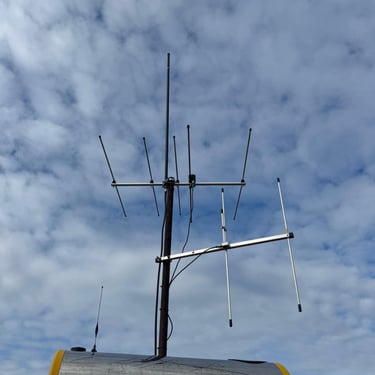
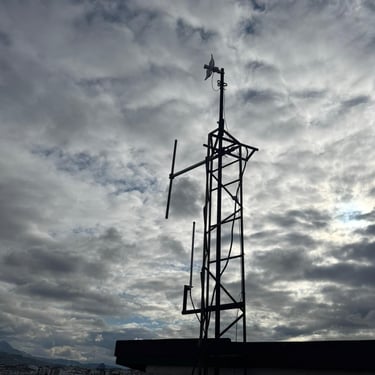
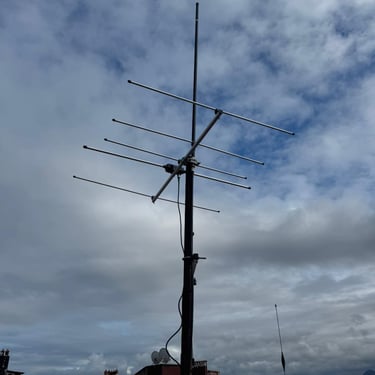
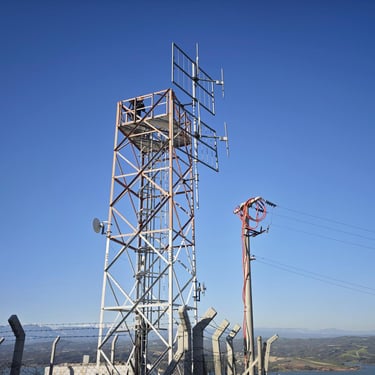
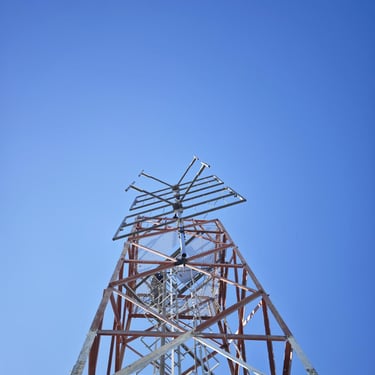


🔸 What Is a Dual Band VHF/UHF Antenna?
A dual band antenna operates on both VHF (Very High Frequency) and UHF (Ultra High Frequency) bands simultaneously.
For amateur radio, these usually cover:
VHF: 144–148 MHz (2-meter band)
UHF: 430–440 MHz (70-centimeter band)
This means you can transmit and receive on both bands using the same antenna — ideal for base stations or repeaters.
🔸 How It Works
Dual band antennas typically use one of two main designs:
Trap Type:
An LC (inductor-capacitor) circuit isolates or passes certain frequencies.
For example, the Diamond X30 or X50 antennas use this design — the full antenna operates on VHF, and only a portion resonates on UHF.Co-linear Type:
Multiple radiating elements are stacked vertically with phase-matching sections (coax or phasing lines).
This design provides higher gain, especially on UHF — used in models like Diamond X200, X300, X510.
🔸 Typical Technical Specs
SpecificationTypical ValueFrequency Range144–148 MHz / 430–440 MHzVSWR< 1.5:1GainVHF: 3–8 dBi / UHF: 5–11 dBiPower Handling150–200 WPolarizationVerticalConnectorN-Type or SO-23
🔸 Applications
.Amateur radio base stations
Repeater sites
Mobile setups (shorter versions)
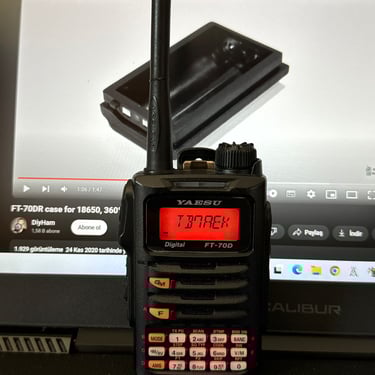
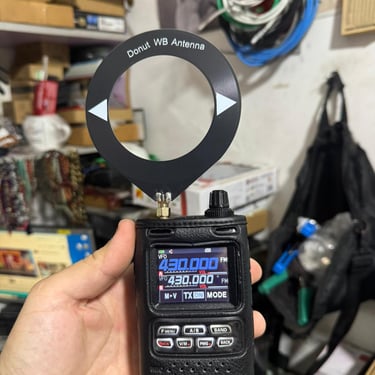
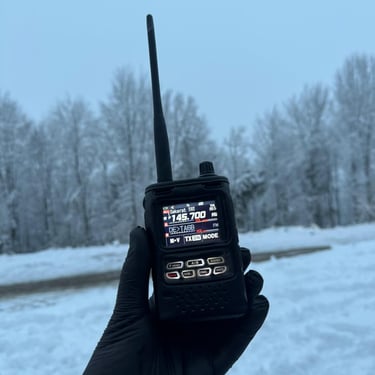
External antennas for handheld radios
🔸 Antenna Mast (Tower/Pole)
The antenna mast is just as important as the antenna itself
1. Material:
Galvanized steel: Most durable and weather-resistant.
Aluminum: Lightweight, corrosion-resistant, but less rigid.
Fiberglass: RF-transparent but mechanically weaker.
2. Height:
Urban areas: 6–12 meters
Open terrain: 12–18 meters
The higher, the better — line-of-sight range increases with height.
3. Installation Tips:
Mount securely on a concrete base.
Use guy wires (tensioned support cables) for stability.
Route the coax cable straight down, not in spirals.
Ground the mast properly for lightning protection.
🔸 Coaxial Cable and Loss Cable loss is critical — especially on UHF.
Cable Type145 MHz Loss (per 10 m)433 MHz Loss (per 10 m)RG-58~1.5 dB~3.5 dBRG-213~0.7 dB~1.5 dBLMR-400~0.4 dB~0.8 dB
📡 For cable runs longer than 15 meters, LMR-400 or similar low-loss cable is strongly recommended. 🔸 Example Antennas .ModelGain (VHF/UHF)LengthNotesDiamond X303.0 / 5.5 dBi1.3 mCompact, great for urban setupsDiamond X504.5 / 7.2 dBi1.7 mVery popular and balancedDiamond X2006.0 / 8.0 dBi2.5 mHigh-performance optionComet GP-98.3 / 11.7 dBi5.2 mProfessional-gradeNagoya BA-61003.5 / 6.0 dBi1.5 mAffordable and reliable🔸 Summary A dual band antenna is ideal when you want a single setup to cover both 2 m and 70 cm bands — practical, efficient, and perfect for base or repeater use.
Combine it with a rigid mast, proper grounding, and low-loss coax, and you’ll get a stable, high-gain signal path with wide coverage.
What Is SDR (Software Defined Radio)?
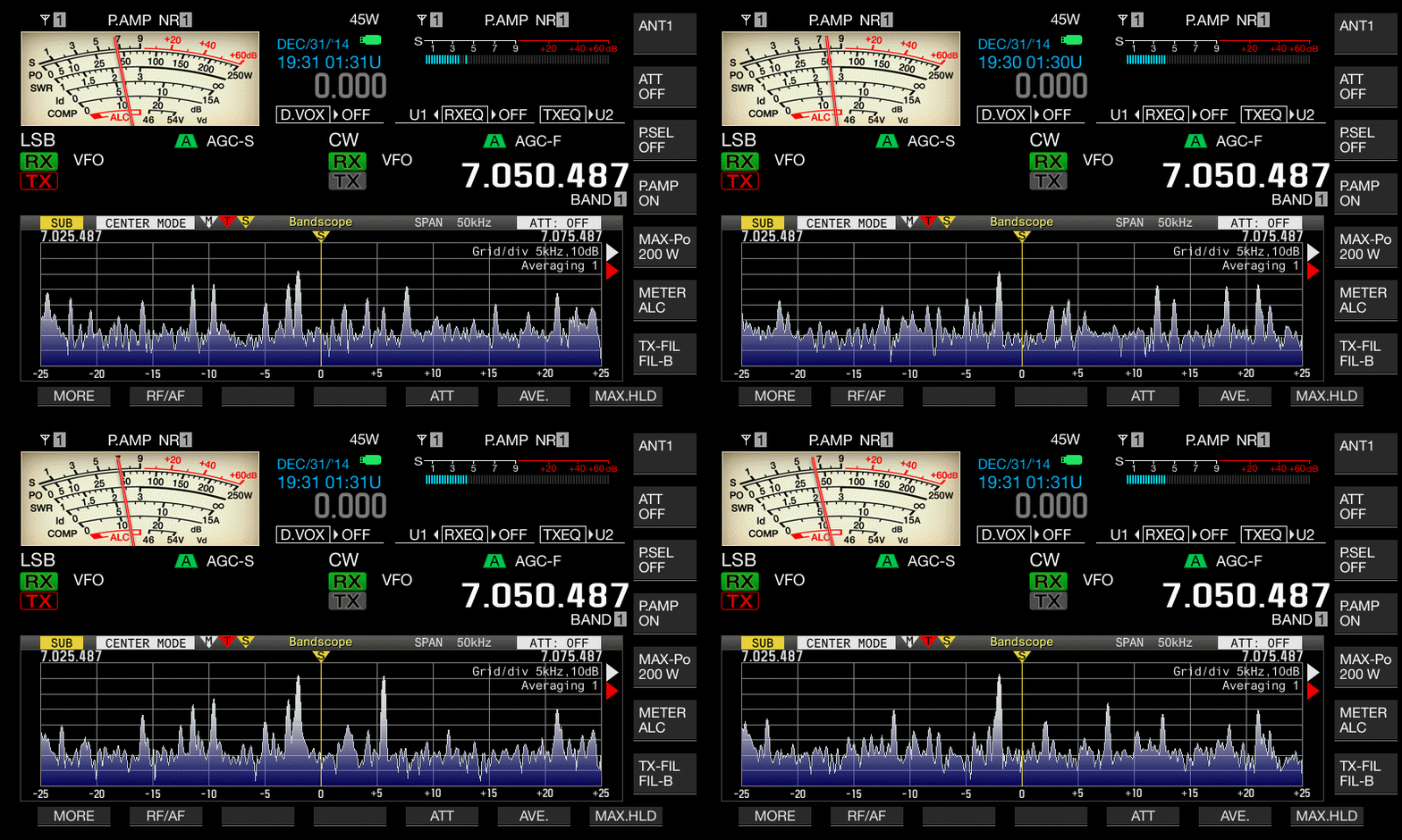
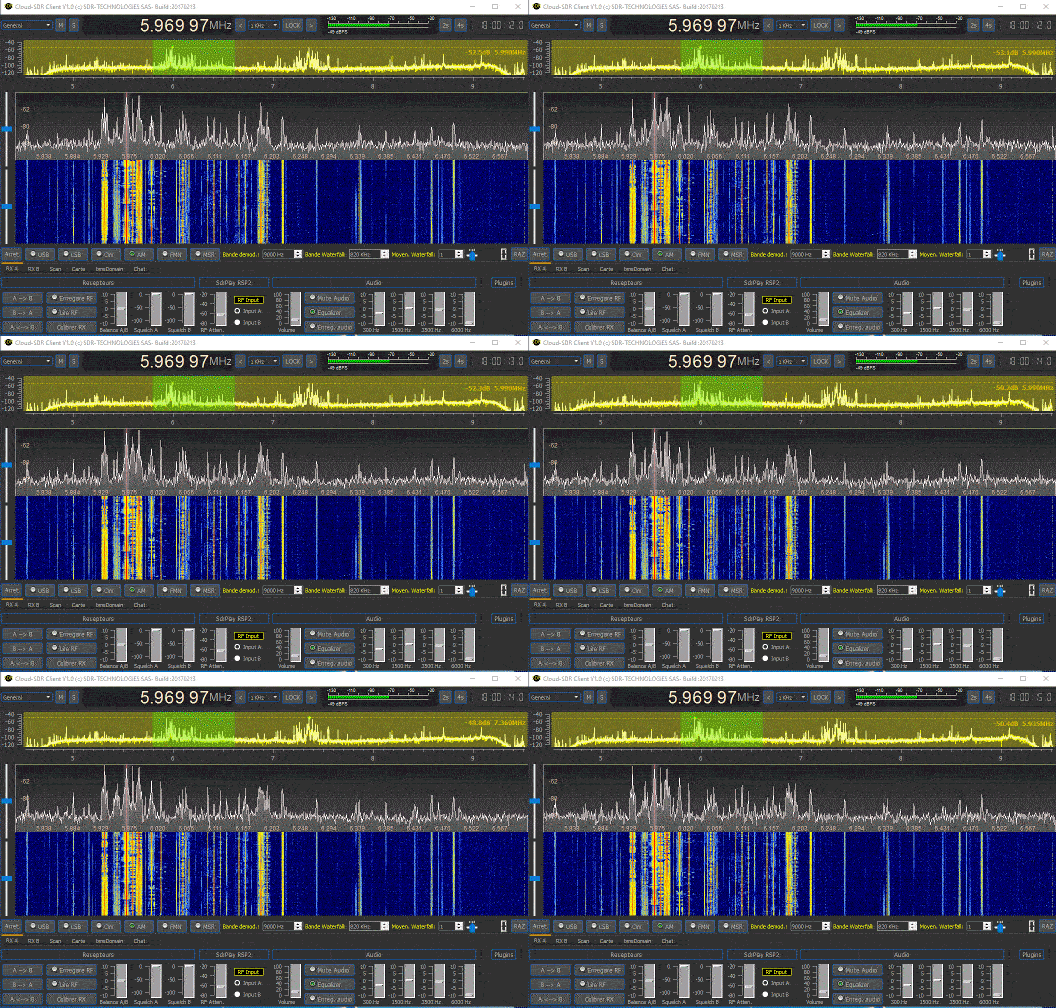
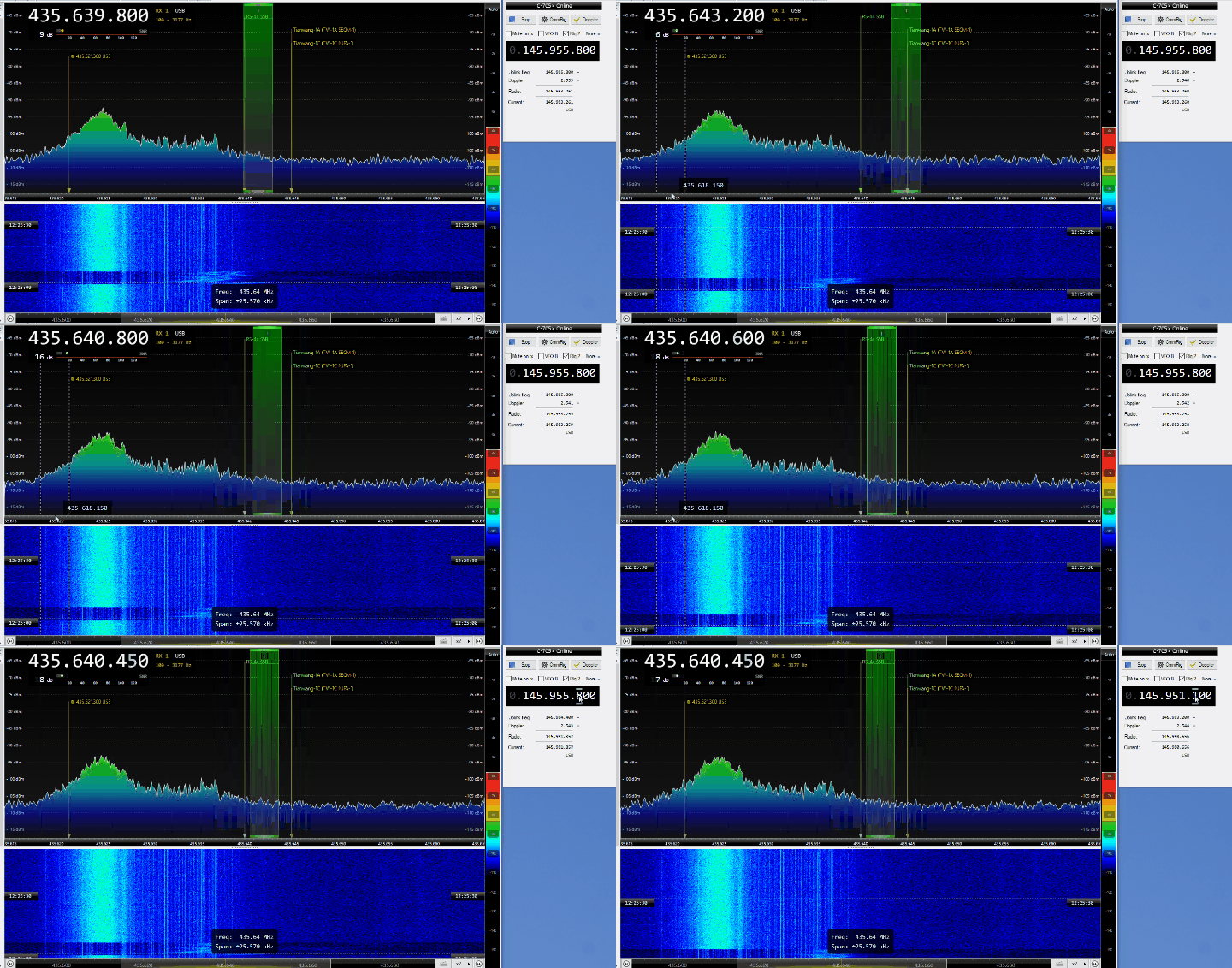
WSDR, short for Software Defined Radio, is a radio communication technology in which most of the signal processing tasks are performed by software rather than traditional hardware circuits. Unlike conventional radios that rely on fixed electronic components for modulation, demodulation, and filtering, SDR systems shift these functions into software running on a computer, embedded processor, or FPGA.
In a traditional radio, each modulation type and frequency band requires dedicated hardware. This makes such systems inflexible and difficult to upgrade. SDR, on the other hand, digitizes the radio frequency (RF) signal as early as possible and processes it digitally. As a result, a single SDR device can support multiple frequency bands and modulation types simply by changing software.
An SDR system typically consists of an antenna, an RF front-end that conditions the incoming signal, an analog-to-digital converter (ADC) that converts the signal into digital form, and a digital signal processing (DSP) stage. The DSP stage is where software handles filtering, demodulation, noise reduction, decoding, and other signal-processing operations.
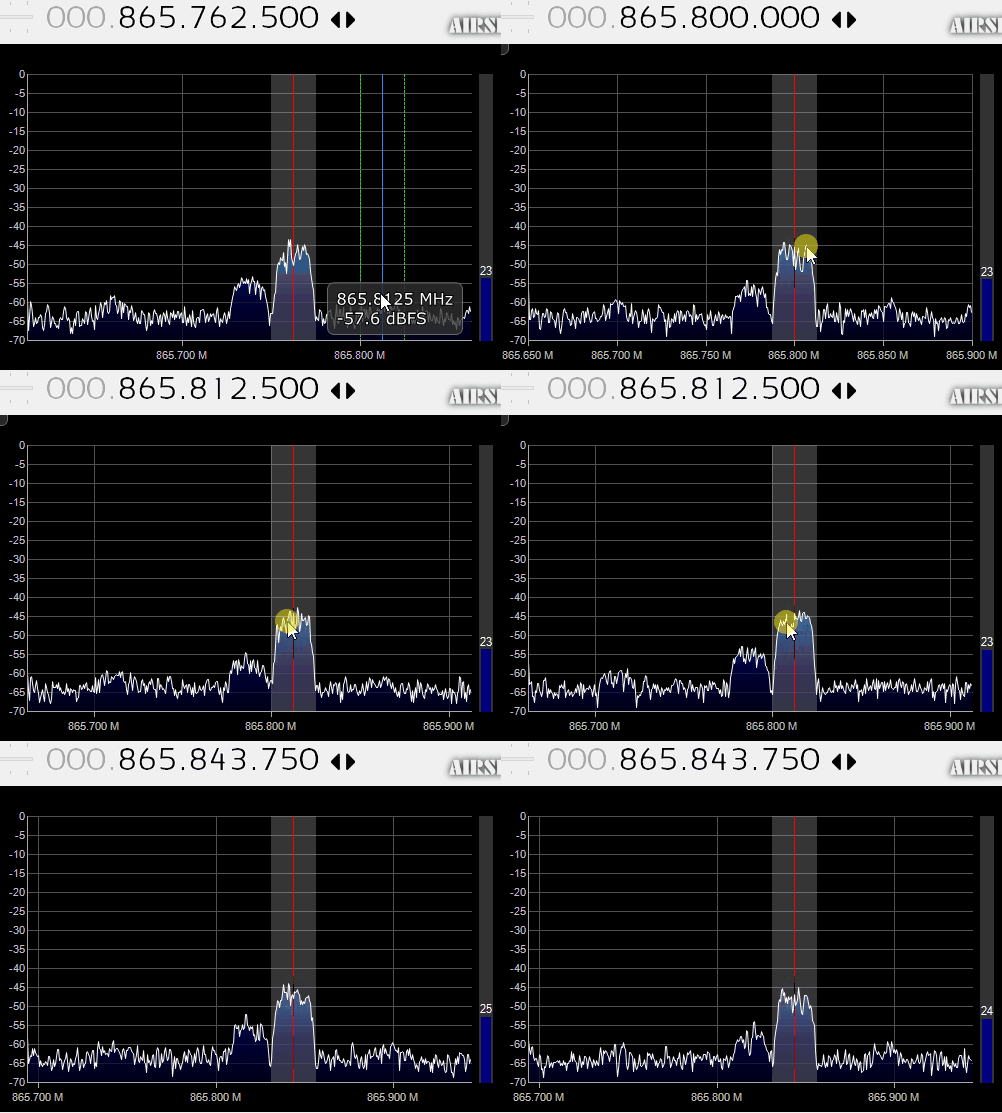
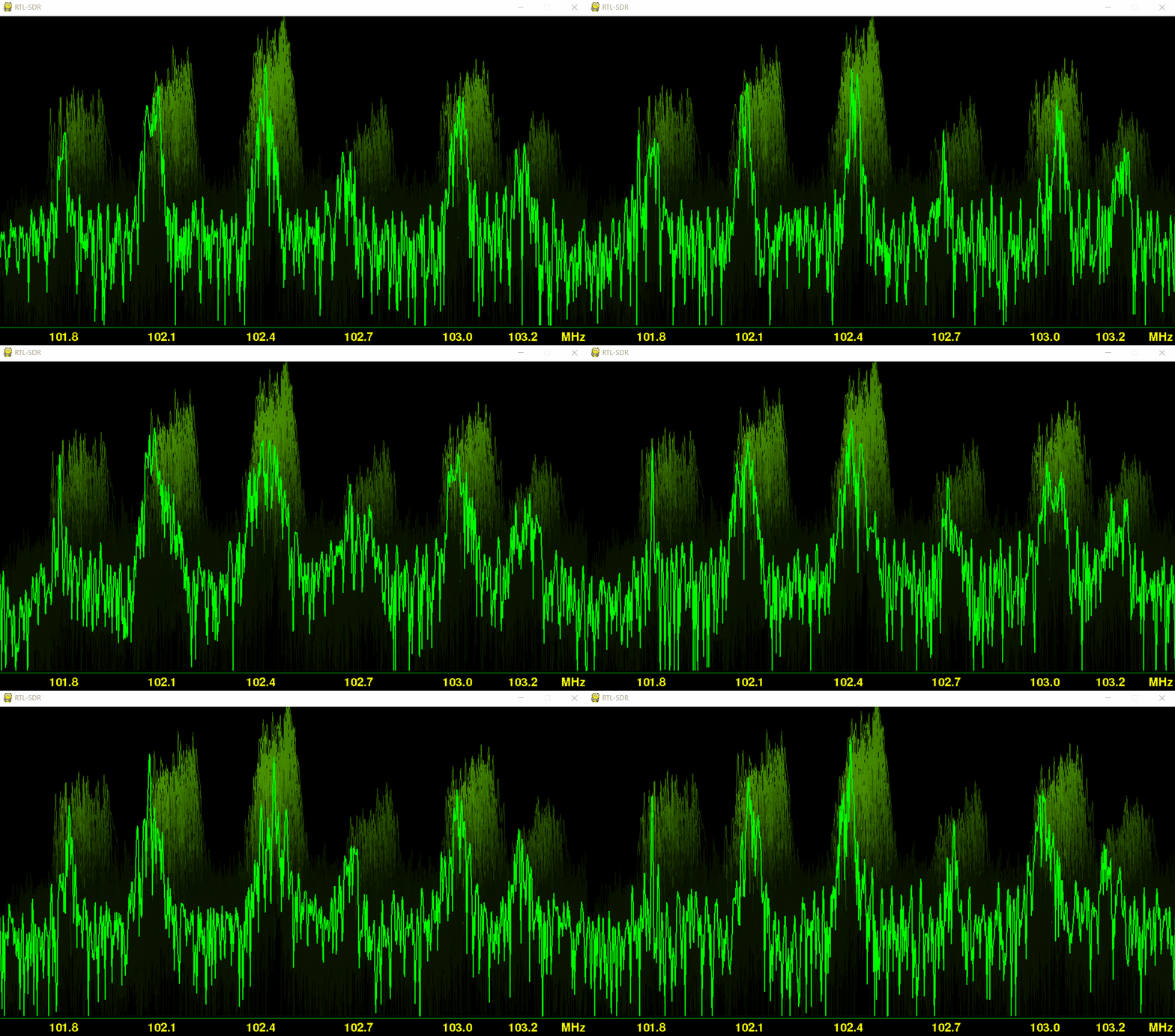
One of the key advantages of SDR is flexibility. The same hardware can be used to receive or transmit FM, AM, SSB, and many digital modes. This makes SDR ideal for a wide range of applications such as broadcast radio monitoring, airband and maritime listening, amateur radio communication, satellite reception, spectrum analysis, and research and development in RF systems.
SDR technology is widely used in amateur radio, education, and professional communications. Many modern transceivers are built entirely on SDR architecture, offering advanced features like real-time spectrum display, remote operation, and high-performance digital mode support. Because SDR systems can be updated and improved through software, they provide a future-proof and highly adaptable approach to radio communications.